
Draw intersection between 2 geometries
Command line name : PrB_DrawIntersection
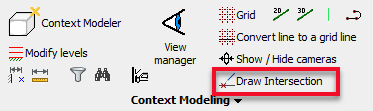
After selecting 2 sub-geometries the command will draw a planar helper entity where the 2 geometries (apparently) intersect.
The goal of this command is to let you find complex intersections without the need for changing UCS or using Object snaps.
The fact that the new plane geometry is constrained with a macro is also an advantage because the intersection location will be re positioned automatically after a change to one of the objects that you used to draw the intersection.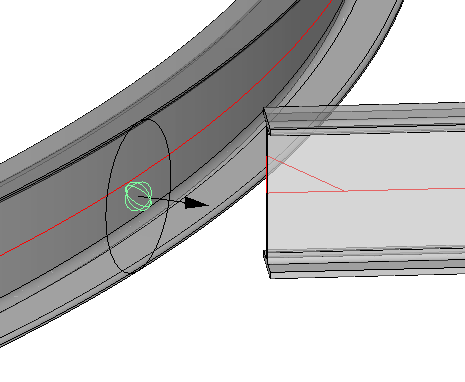
For now this command only supports points, lines, planar surfaces, and cylinders.
The following combinations are currently supported :
- Point and line (selection order does not matter)
- Point and Plane (selection order does not matter)
- Line and Plane (selection order does not matter)
- Line and Line if the lines are not parallel. This is a special case because this combination will cause 3 helper planes to be drawn.
This combination will also work when the lines do not actually intersect. It will draw the apparent intersection in that case.
The selection order has a small influence on the position of the 3 helper planes that are drawn. They will be coincident with the first line that is selected. - Point and cylinder. The position on the cylinder that is closest to the point will be drawn (selection order does not matter)
- Line and cylinder if they are not parallel. This will draw a plane object with the origin on the intersection and the direction tangent with the cylinder. (selection order does not matter)