
Purlin/Girt Brackets
Command - (Prb_MacroGroup "Gordinghaken")
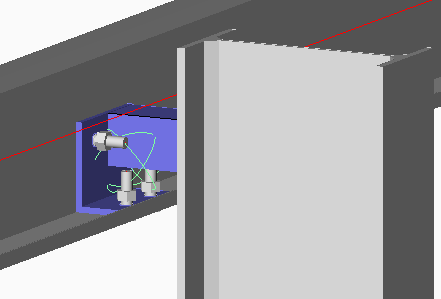
The Purlin bracket connects a purlin to a roof beam or rafter, or it can connect a girt to a column.
Selection order
First select the beam or column, then select the purlin or girt on the side where the bracket is to be placed.
Eaves beam cleat
This command can also draw an eaves beam cleat if you first select a column (I or H shaped) and then a lipped C eaves beam.
Note
When selecting the profiles to be connected, Parabuild will automatically filter the proposed connections.
The filtering will not only be based on the profile types, but also their orientation with respect to each other. For example, Parabuild will recognize if a beam is connecting to a column flange or web. This information is used by this command to filter out the incompatible connections in the connection selection dialog.
Therefore, the presented options may differ from those illustrated here.
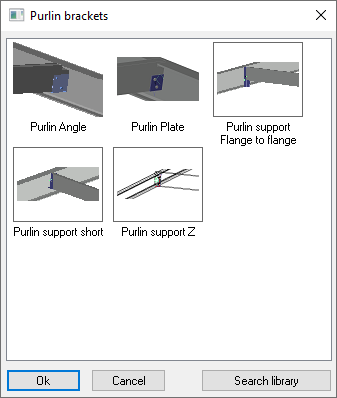
Some of the connections in this command are explained here :
|
|
This macro draws a side plate for a wooden purlin or girt. |
|
Stiffener for Sigma |
This macro adds a stiffener-like plate inside an I-beam, and the plate extends to the Sigma profile so that it can be bolted against it's back |

