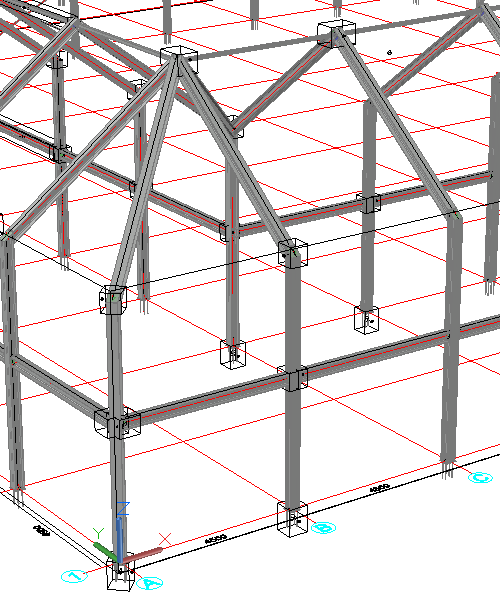
Automatic creation of cameras in the model
Command name : PrB_CreateCameras
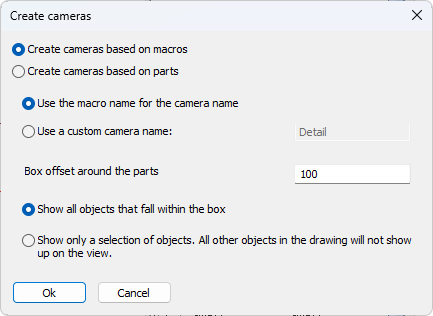 This command was added for automatically creating Cameras in the model based on macro spheres or a manual selection of parts.
This is especially useful for creating connection detail views.
When we choose Create cameras based on macros then a box camera will automatically be created for each selected macro.
When we choose Create cameras based on parts then a camera will be created that fits the parts selection.
If the chosen primary view direction was not ideal, a quick grip stretch operation is enough to change the viewing direction. See topic Manipulating a camera in model space