
Manipulating a camera in model space
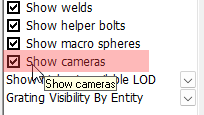
Cameras in model space can all be shown or hidden with this checkbox in the Visibility Manager :
To modify a camera in model space we need to select it after which up to 11 grip points are displayed.
When it is a box camera then the 6 grip points in the middle of each face of the box are the most important ones :
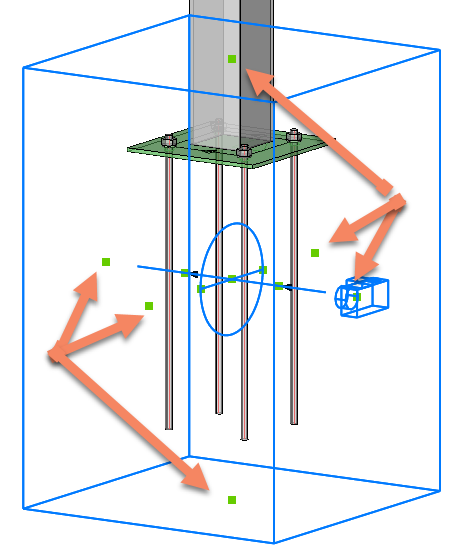
Clicking on one of these 6 grips on the faces allows you to move that face.
To swap the viewing direction of the camera we need to first click on the grip that is on the camera :
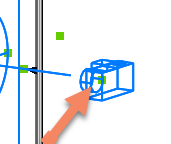
Then move the cursor towards any of the other 5 grips on the faces of the box. This will cause the camera to switch position :
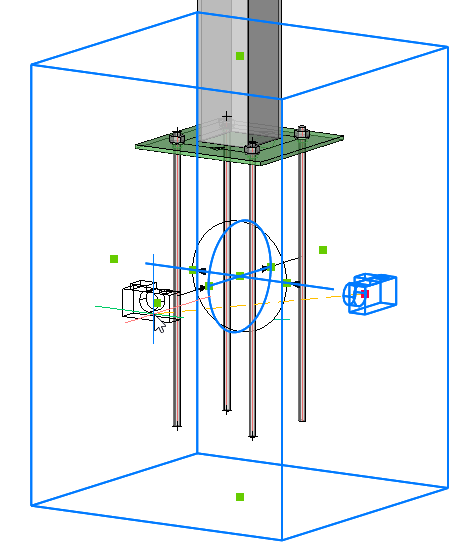
It is easier to do this when the ORTHO tool is disabled.
We can do the same thing for any face on the box. For top and bottom view it is also possible to influence the rotation of the camera by moving the cursor around the grip point. You may have to zoom in more if the 4 view rotations are not presented :
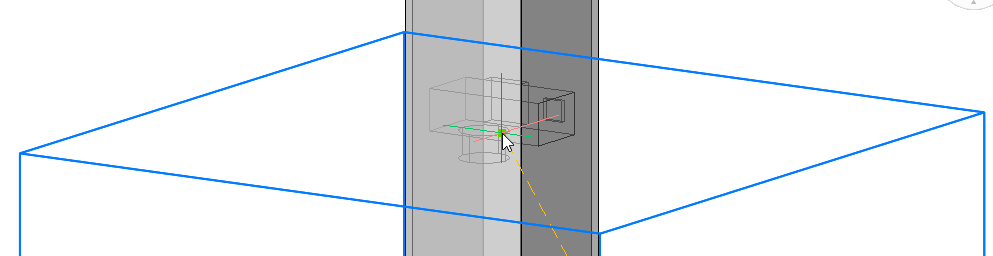
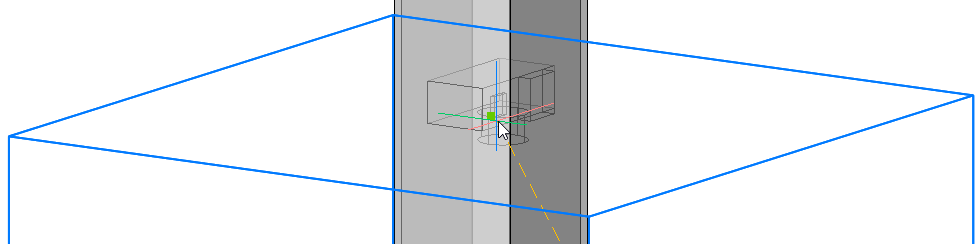
When the desired camera viewing direction is shown on screen then just left-click to confirm the new position.