
Generate WrapAround for Pipes
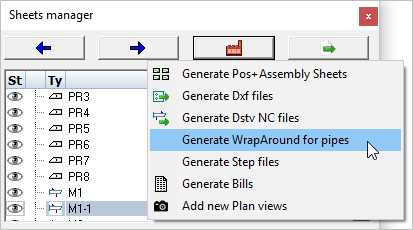
This tool allows you to generate WrapAround details in DXF format for pipes and circular hollow sections.
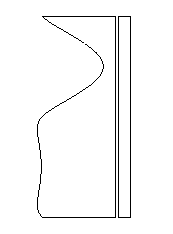
En example DXF result can look like this :
|
|
|
|
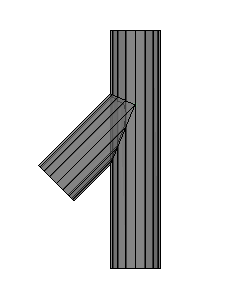
Example of a 3D model |
The resulting wraparound of the short pipe generated by this tool, including shortening which can be disabled |
On activating the command the following dialog will appear :
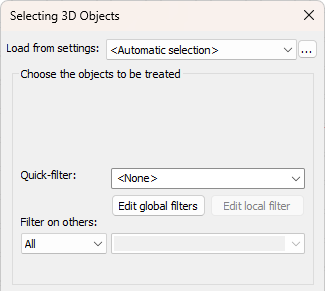
At the top with Load from settings we can change the settings that should be used.
If we leave this on the default <Automatic selection> then the setting to be used will be determined by the filters and groups as configured in the CNC group settings.
If we change this to one of the explicitly named Wraparound settings, then we are overriding the CNC group settings and manually forcing the generation to the manually chosen Wraparound configuration.
It allows us to filter the objects to be treated on :
- Quick-filter - This filtering tool allows us to filter on any object using many properties and queries. It is explained in the Object filtering topic.
- All - will generate WrapAround DXF files for all elements in the 3D model
- Selection - will prompt you to select the required objects
- Phase - where you will need to enter the project phase
- Revision - where you will need to enter the required revision