
Macro
The 'Macro' object type has the following headings:
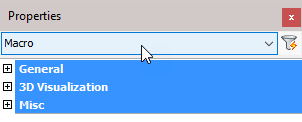
General: Is common to all object types, and covers general AutoCAD and BricsCAD settings, including: Color / Layer / Linetype / Linetype scale / Plot style / Lineweight / Transparency / Hyperlink / Handle /
3D Visualization: Is also common to all object types and includes: Material.
The material that is referred to here is only the visual representation material. For changing the actual material of parts, see the Additional Data section of plates, profiles or structures.
Misc
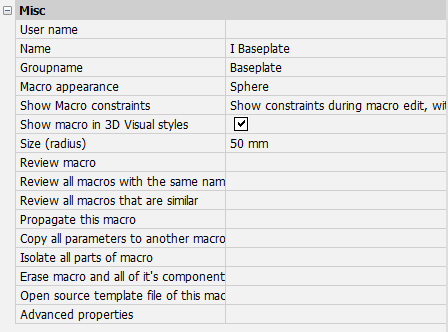
User name -
Name: The name of the macro – this may be edited and will reflect in the macro dialog box
Group name: The group name of the macro – this value is used for grouping together similar macros in the macro dialog box
Macro appearance : instead of a sphere, you can now enable an Extent box for the representation. The box will be drawn around the extent of all the parts that the macro owns/created :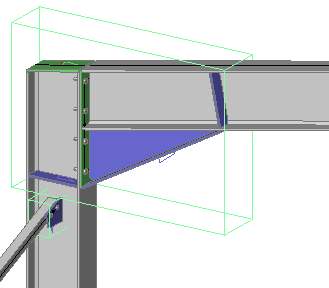
Show macro constraints : When you set this property to Show constraints always, then all the dimension values inside the macro are shown on screen.
The Measure Distance command uses this feature to show the distance between objects on screen.
Show macro in 3D visual styles -
Size (radius): Adjust the size of the macro sphere
Review macro: Activating this button will open the macro edit dialog box for the selected object
Review all macros with the same name -
Review all macros that are similar -
Propagate this macro -
Copy all parameters to another macro: Will Copy all parameters to another macro
Isolate all parts of macro -
Erase macro and all of its components: Will Erase macro and all of its components
Open source template file of this macro -
Advanced properties -