
We are releasing a new version of Parabuild with a much-improved 2D sheet refresh, better performance for large projects, a new context menu, programming API, complex bolt parts, and much more.
Below are the most important new features that were made available in this update:
Sheet refresh
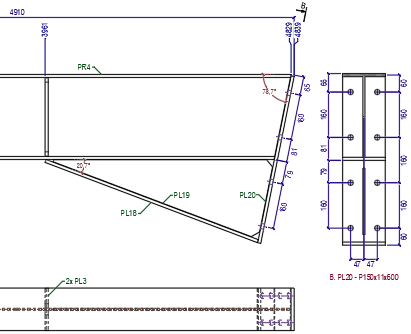
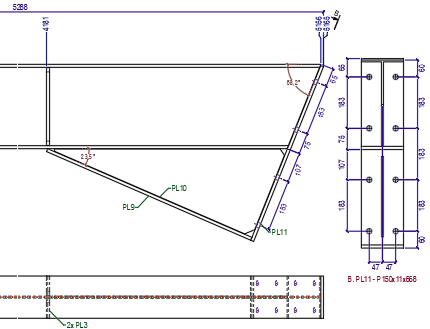
Sheet refresh was completely rebuilt and has become easy to use and powerful now especially for shop drawings. Dimensions and annotations connected to views will be automatically be adapted to the changed geometry only when needed. Dimension updates are done as conservatively as possible to preserve the drafter’s intent. The new sheet refresh makes updating shop and general arrangement drawings after model changes much easier and faster.
Performance improvements
Further performance improvements for projects with thousands of sheets: sheet manager performance was greatly improved for many actions and responds quickly when opening drawings or switching sheets. Together with the improved sheet refresh this makes large projects in a single drawing much easier to handle in Parabuild.
Context menu
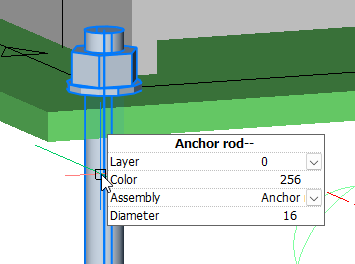
The new Context menu tool gives you relevant properties and actions for the object under the cursor. An example is to change the diameter of a bolt in the 3D model or on a view without having to search for an icon or a property first. The list of available properties and actions can be customized.

Programming API
We are introducing a new Programming API (Lisp and C++) for advanced customization of Parabuild
User shortcuts
The new User shortcuts is a tool that facilitates customization by reducing the amount of code and knowledge needed to add small automating functions for Parabuild. It offers an easy start to the new Parabuild programming API. It provides a quick way to further automate repetitive actions specific to your workflows, without the hassle of entering commands or creating dialog boxes or menu buttons.
Complex bolt parts
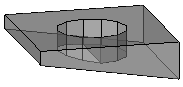
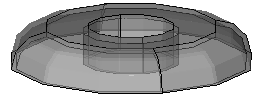
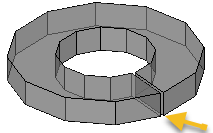
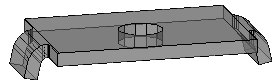
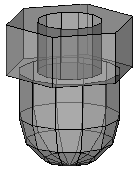
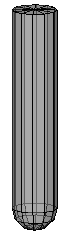
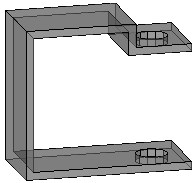
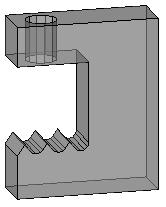
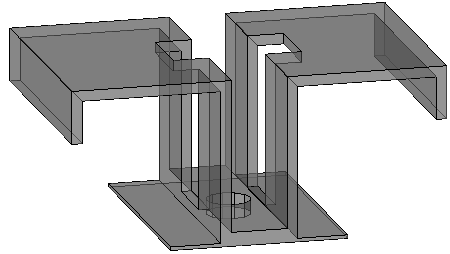
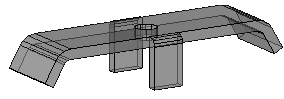
Complex bolt parts allow us to display complex geometry to represent hold down clips, bevel washers, cap nuts, nylon plugs, and any other parts that can be drawn with extrusions and/or revolutions. These parts can be drawn as a part of bolt assemblies, making them more efficient to model and more lightweight in terms of computer resources.
Reviewing sheets
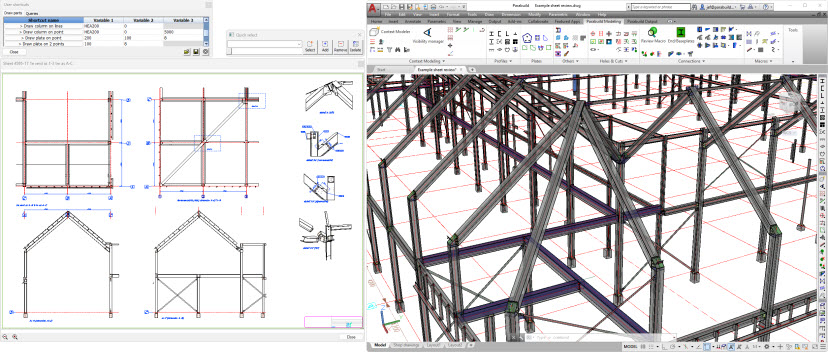
Reviewing sheets can now be done in a separate dialog so that two sheets in the same drawing can be compared, or the 3D model can be open at the same time as 2D sheets of the same drawing.
Export to Dwfx file
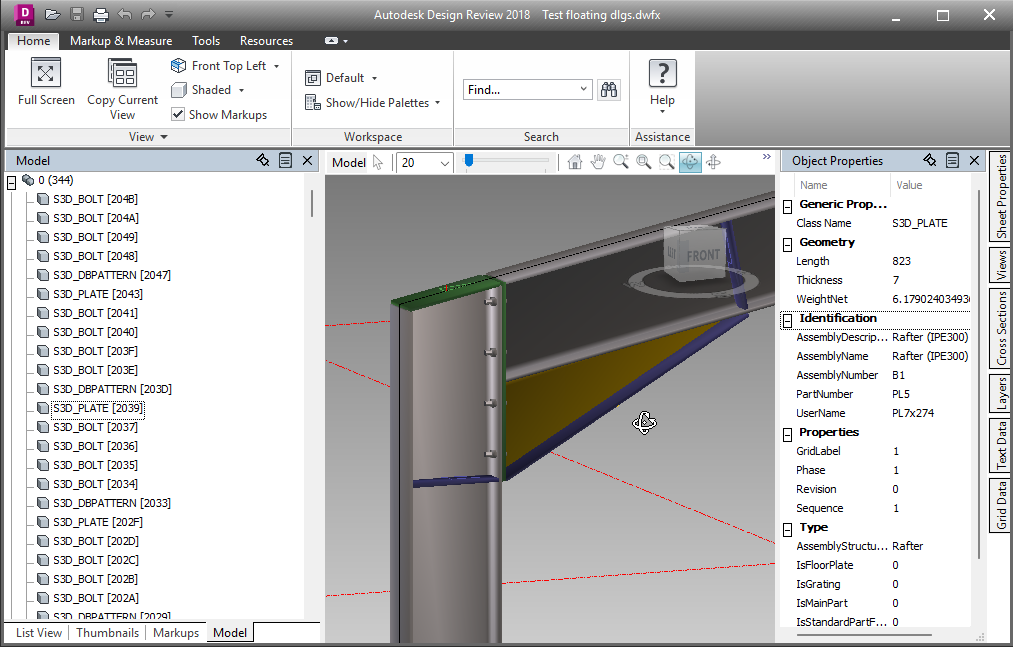
We can now export the 3D model and paper spaces to a Dwfx file including object properties for sharing and reviewing in Autodesk Design review or other viewers.
Export individual files per part or per assembly
Export individual files per part or per assembly (Ifc, Dwfx, or SAT) to distribute along with shop drawings and CNC files, or for importing into ERP or cloud solutions
Export multiple sheets into a single pdf file
Export multiple sheets into a single pdf file. This also supports combining a mix of format sizes into a single Pdf file.
Filter and clone sheets
Filter and clone sheets allows you to make copies of a certain sub-selection of sheets such as a particular phase. The cloned sheets will contain the correct amount of parts for the filter that you chose, and sheets without parts that passed the filter will be skipped. This allows for workflows with fewer sheets to create and clean up, and only generating the filtered clones when needed.
Sheet filters when printing or exporting sheets
Automatically apply sheet filters when printing or exporting sheets. Similarly to filter and clone sheets, but this command sends the filtered sheets straight to the printer (paper or PDF).
Check sheets validity
The new Check sheets validity tool will search for mistakes such as 2 sheets for the same part, missing sheets, outdated sheets, or unconnected dimensions. This will help prevent over-production, under-production, or the production of wrong parts.
Save connection values as defaults
It is now possible to easily save connection values as defaults that will be loaded when the same connection is applied to the same size members in the future.
Automatically load connection values
A new option for newly created connections to automatically load connection values from another connection in the model if it is of the same type and based on the same size members.
Ifc file import improvements
Ifc file import improvements: Parabuild can now also import non-construction geometry such as ducts and furniture as generic objects.
BricsCAD V26
Support for BricsCAD V26 was added
Other features
Many other new features have been added. A full list can be found here